Web Design

Choice overload is killing your category pages

and it’s rarely a “design” problem

When someone lands on a category page like “Spray Machines & Accessories”, the biggest problem usually isn’t that they can’t find information.
It’s that they find too much of it, too early. And when that happens, people don’t browse — they hesitate. Then they bounce, open a competitor, or “save it for later” (which usually means never). This is choice overload, and it’s one of the most common reasons category pages underperform — especially for trade and technical products where buyers need clarity and confidence, not fluff.

Here’s how I approach category page design so it feels fast, clear, and actually converts.
18th January 2026 · 7 min read
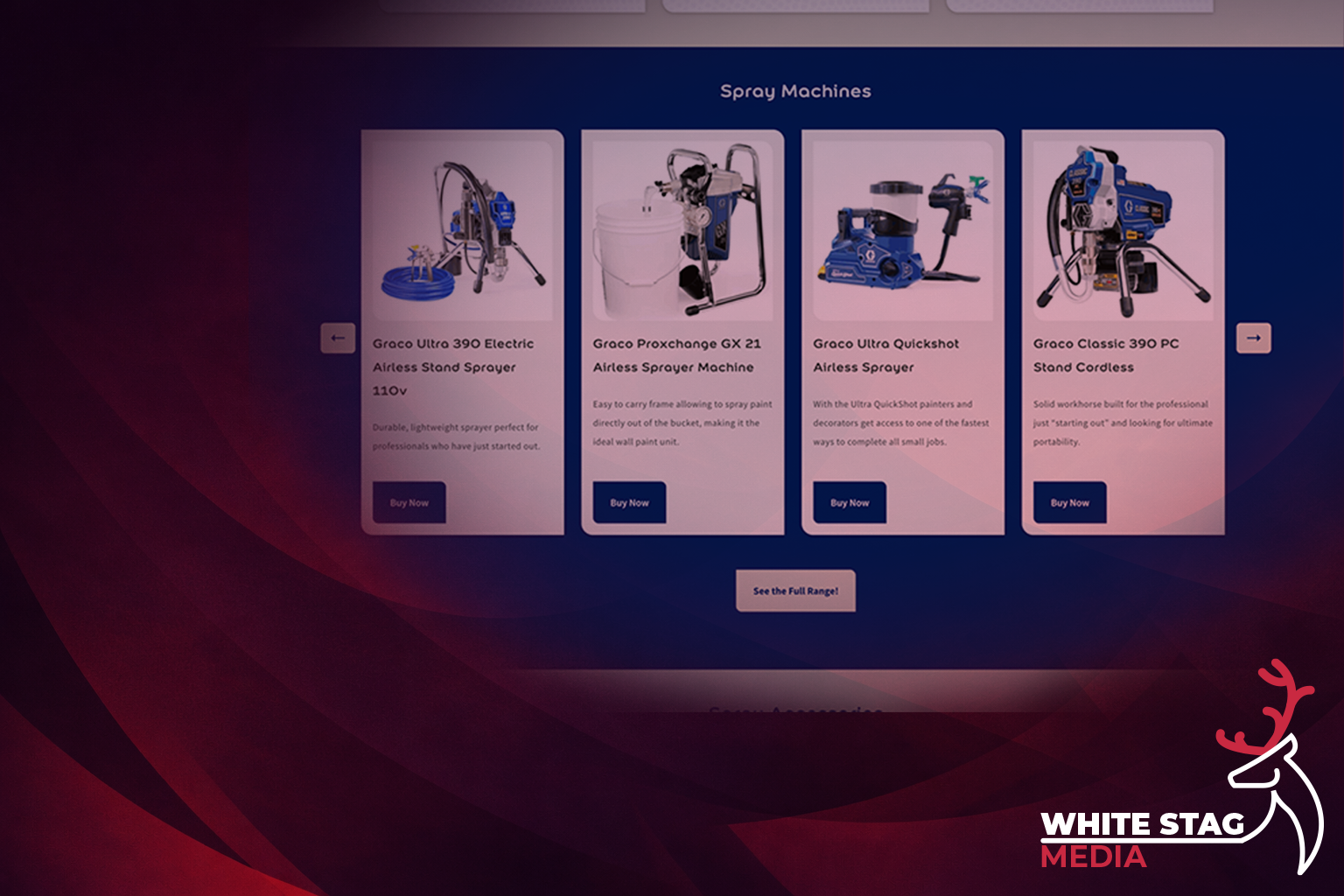
Affordable Web Design Manchester – White Stag Media hero illustration

Segment first, then sell

Most category pages start with a big grid of products. That’s backwards.
The first job of a category page is to answer one question:

“Where should I start?”

If you sell multiple brands, types, or use-cases, users don’t want to scan 50 items. They want a path.

What segmentation looks like

Instead of dumping everything on one screen, give people a small number of clear routes, such as:

This does two things instantly:

Practical tip:
If your category page has more than ~25 products, add a 3–6 option “Start here” layer above the grid. It’s one of the quickest conversion wins you can make.

Use progressive disclosure

(stop trying to show everything at once)

There’s a myth in ecommerce that more products on the page = better.

In reality, the more you ask someone to scan, the more likely they are to do nothing.

A better approach is progressive disclosure:

  • show a curated selection first
  • then offer one clear step to go deeper: “See the full range”

This is basically how good sales assistants work:

  • they don’t drag you into the warehouse
  • they show you the most relevant options first

Practical tip:

If your category page is an endless scroll, try reducing the first product block to a “best of” section and put the full range behind a single obvious next step.


Build decision-support into the page

(don’t make users open 10 tabs)

Technical products create comparison behaviour.

People click five products, open five tabs, lose track of what they’ve read, and quietly leave.

If you want users to stay on your site, you need to provide decision-support — not endless spec dumps, just enough guidance to help them self-select.

That can be:

  • a simple comparison table
  • “best for” labels (small jobs / medium / high usage)
  • clear cues like voltage, pressure, output, or compatibility (depending on what you sell)
  • quick “what this is used for” context

The goal is to reduce uncertainty.

Practical tip:

Add a short “Which one do I need?” section. Even if it’s basic, it stops people getting stuck — and getting stuck is what kills conversion.\

Add an education layer

(not because people want to read, because they want confidence)

This is underrated.

On technical category pages, users usually fall into two groups:

  • ready-now buyers who already know what they want
  • confidence buyers who need to be sure before spending

If your page only serves ready-now buyers, you’ll lose the confidence buyers.

That’s why education content placed under the shopping journey works so well:

  • guides
  • FAQs
  • “how to choose” articles
  • training/academy content

It doesn’t interrupt the purchase path — it’s there when they need it.

Practical tip:

Top of page = action. Lower down = reassurance.

Put education below the product journey, not above it.

Think in two modes: Browse mode vs Decide mode

This is the principle that ties everything together.

A good category page supports two modes:

Browse mode (fast)

  • clear entry paths
  • curated selection
  • minimal reading

Decide mode (confident)

  • comparison support
  • deeper product modules
  • guidance and FAQs

Most pages underperform because they mix these together:

  • too much decide-mode content too early = the page feels heavy
  • not enough decide-mode support at all = people hesitate

The best pages layer them.

A quick checklist you can steal

If you’re looking at your category page and thinking “why isn’t this converting?”, run this:

  1. Can a user choose a path in 5 seconds?
  2. Do you show a curated selection before the full catalogue?
  3. Can they compare options without tab-hoarding?
  4. Is education present without interrupting the shopping flow?
  5. Does the page guide a decision — or just display inventory?

If you improve those five areas, the page becomes easier to shop — and easier pages convert.
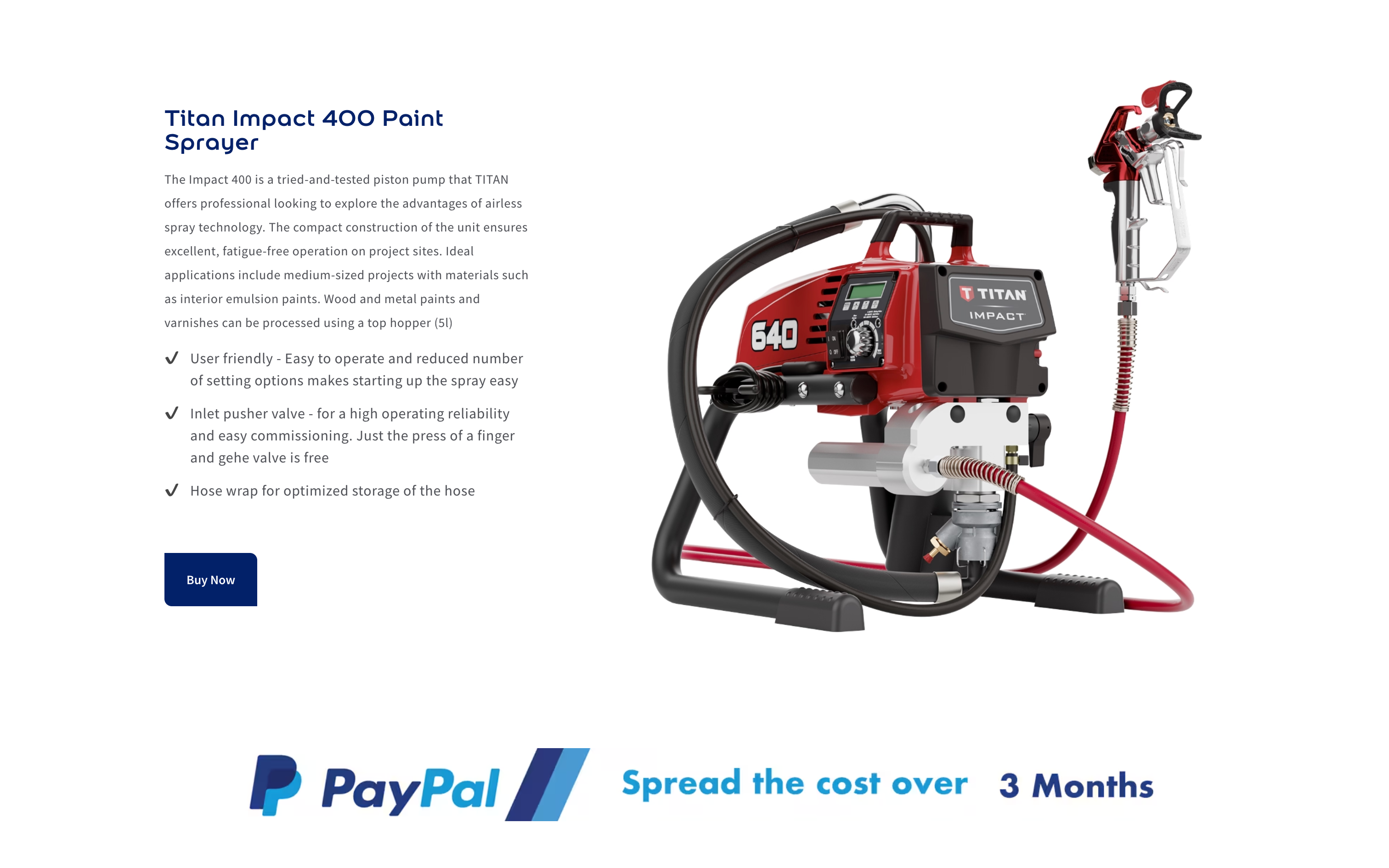
Affordable website examples – White Stag Media web design mockup

Final thought

For technical e-commerce, structure beats polish.

Great hierarchy and flow will outperform “prettier design” every time, because it reduces friction and uncertainty — the two things that silently drain conversions.


Want an affordable, modern website that actually works?

Let’s chat — no pressure, no jargon.

https://www.whitestagmedia.co.uk/contact

Ready to Create a Brand That Stands Out?

Let’s design something that helps your business grow
and leaves a lasting impression.

Book a Free Consultation